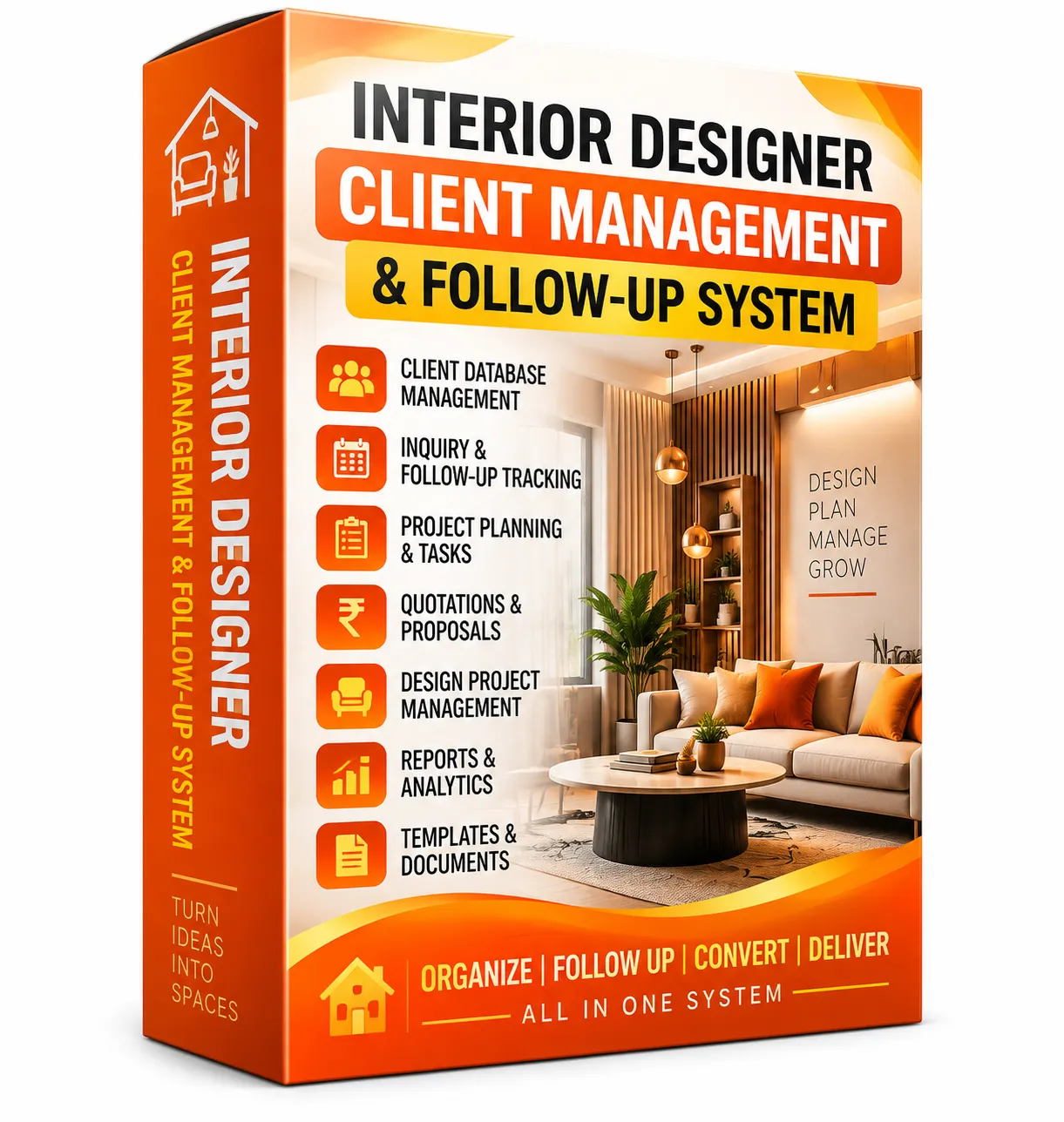
Interior Designer Client Management & Follow-Up System (Lifetime Access)
Original price was: ₹3,500.00.₹345.00Current price is: ₹345.00.
Description
Managing interior design clients becomes much easier when enquiries, meetings, proposals, follow-ups and client information are organized in one place.
The Interior Designer Client Management & Follow-Up System is a practical Excel-based system designed to help interior designers and studios maintain a structured client pipeline—from the first enquiry and client meeting to proposal follow-up and approval.
With dedicated trackers, a client database, follow-up planning and management reports, you can keep important client interactions organized and maintain better visibility over your active opportunities.
📋 What’s Inside the System
1. 📊 Client Management Dashboard
- Get a centralized overview of client and enquiry activity.
- Review lead status, project types and monthly activity.
- Quickly monitor important client-management metrics.
2. 📩 Client Inquiry Tracker
- Organize client enquiries with project and property details.
- Track contact information, project type and enquiry status.
- Includes space for up to 500 sample enquiries that can be edited and extended.
3. 🔔 Follow-Up Planner
- Plan client follow-ups and next actions.
- Track priority, follow-up dates and communication status.
- Identify overdue or pending follow-up activities more easily.
4. 🤝 Client Meeting Tracker
- Record client meetings and consultations.
- Capture requirements, design discussions and pending decisions.
- Keep the next action visible after every meeting.
5. 📑 Proposal Tracker
- Monitor proposals from issue through approval.
- Track proposal status and revision requirements.
- Record approval dates for better proposal management.
6. 👤 Client Database
- Maintain centralized client records.
- Organize contact, location, project type, property type and budget information.
- Keep important client information accessible for ongoing management.
7. 📈 Reports & Management Insights
- Review monthly enquiries, meetings and proposals.
- Analyze lead-status activity and project progress.
- Use formula-driven reports for regular business reviews.
⭐ Why It’s Perfect for You
✅ Interior Designers — Keep client enquiries, meetings, proposals and follow-ups organized.
✅ Interior Design Studios — Maintain a centralized client-management workflow across active opportunities.
✅ Freelance Designers — Keep track of every client conversation and next action.
✅ Interior Project Consultants — Organize requirements, meetings, proposals and approval stages.
✅ Growing Design Businesses — Improve visibility across the client journey without relying on scattered notes.
🧠 How to Use
Step 1 — Open the Excel System
Open the workbook and review the Client Management Dashboard and available trackers.
Step 2 — Manage Client Enquiries
Use the Client Inquiry Tracker to maintain your incoming client opportunities.
Step 3 — Plan Follow-Ups
Move active enquiries into the Follow-Up Planner and organize upcoming communication.
Step 4 — Record Client Meetings
Use the Client Meeting Tracker to maintain meeting discussions, pending decisions and next steps.
Step 5 — Track Proposals
Use the Proposal Tracker to monitor proposals, revisions and approvals.
Step 6 — Maintain Client Records & Reports
Keep the Client Database updated and use the dashboard and reports for regular client-pipeline reviews.
📦 Included Modules
- Client Management Dashboard
- Client Inquiry Tracker
- Follow-Up Planner
- Client Meeting Tracker
- Proposal Tracker
- Client Database
- Reports & Management Insights
👥 Use Case Examples
| Profession | How It Helps |
|---|---|
| Interior Designers | Manage enquiries, client communication, meetings and proposals systematically. |
| Interior Studio Owners | Maintain centralized client information and monitor the overall pipeline. |
| Freelance Interior Designers | Organize follow-ups and keep every client opportunity visible. |
| Interior Consultants | Track requirements, meetings, proposals and pending decisions. |
| Turnkey Interior Businesses | Coordinate client communication from enquiry through proposal approval. |
| Design Project Managers | Maintain structured records of meetings, follow-ups and client actions. |
🚀 Result
The Interior Designer Client Management & Follow-Up System gives you a structured workspace for managing the client journey from initial enquiry to meetings, follow-ups, proposals and approvals.
Instead of keeping client conversations and next actions across different notebooks, messages or files, you can organize the important information within one connected Excel system.
Use it to maintain better client visibility, keep follow-ups organized and make your day-to-day client management more systematic.

Reviews
There are no reviews yet.